
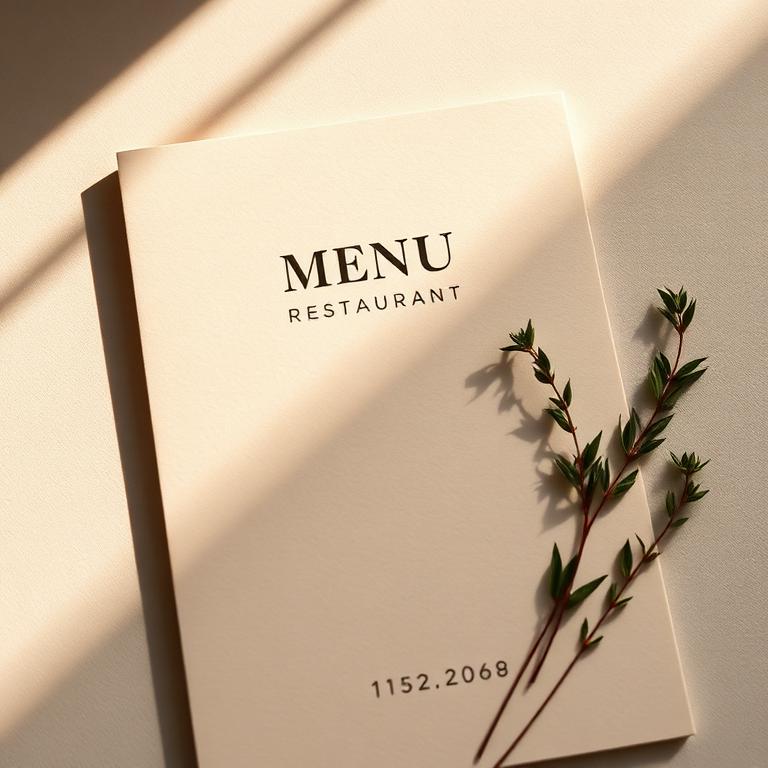
GSM stands for grams per square metre, and it is the single biggest factor in how your print feels in the hand. Here is what the common weights are actually for.
90-130gsm: lightweight and foldable
This is the territory of takeaway menus, event leaflets and anything printed in high volume. 130gsm is our recommended minimum for a flyer that needs to feel respectable; 90-115gsm suits letterbox drops where cost per unit matters most. Light stocks fold cleanly without cracking, which is why menus live here.
150-200gsm: the flyer sweet spot
170gsm silk is the classic promotional flyer: stiff enough to feel premium, light enough to stay affordable in bulk. If your flyer represents a brand rather than a one-off event, this is where to start.
250-350gsm: card territory
From 250gsm upwards the sheet stops flopping and becomes card. Postcards, invitations, and covers for booklets sit at 250-300gsm. Business cards start at 350gsm; anything lighter feels flimsy the moment someone holds it.
400gsm+: rigid and luxurious
Our premium business cards run at 400gsm, often with a soft-touch laminate. At this weight the card has a satisfying snap and survives a wallet for months.
Silk, gloss or uncoated?
- Silk: smooth, low sheen, colours stay rich but the surface is not shiny. The safe default for almost everything.
- Gloss: maximum colour pop and shine, great for photography-heavy flyers; fingerprints show more.
- Uncoated: natural, matte, writable. Perfect for stamp cards, forms and understated branding.
Not sure? Order the heavier of the two weights you are considering. Nobody has ever complained that a flyer felt too premium.
Ready to put it into practice?
Upload your artwork and our checker will flag resolution, bleed and colour issues before you order.
More print guides
How to prepare print-ready artwork (the 6-point checklist)
Bleed, safe zones, resolution, colour space, fonts and export settings. Get these six things right and your file sails through pre-press.
CMYK vs RGB: why your colours look different in print
Your design glowed on screen and arrived duller on paper. Here is why that happens and how to stop it before you hit print.